
Blog
How to Reduce High Ping and Packet Loss in Online Games: 7 Practical Fixes

Updated November 2026 | By EcommSprint Team
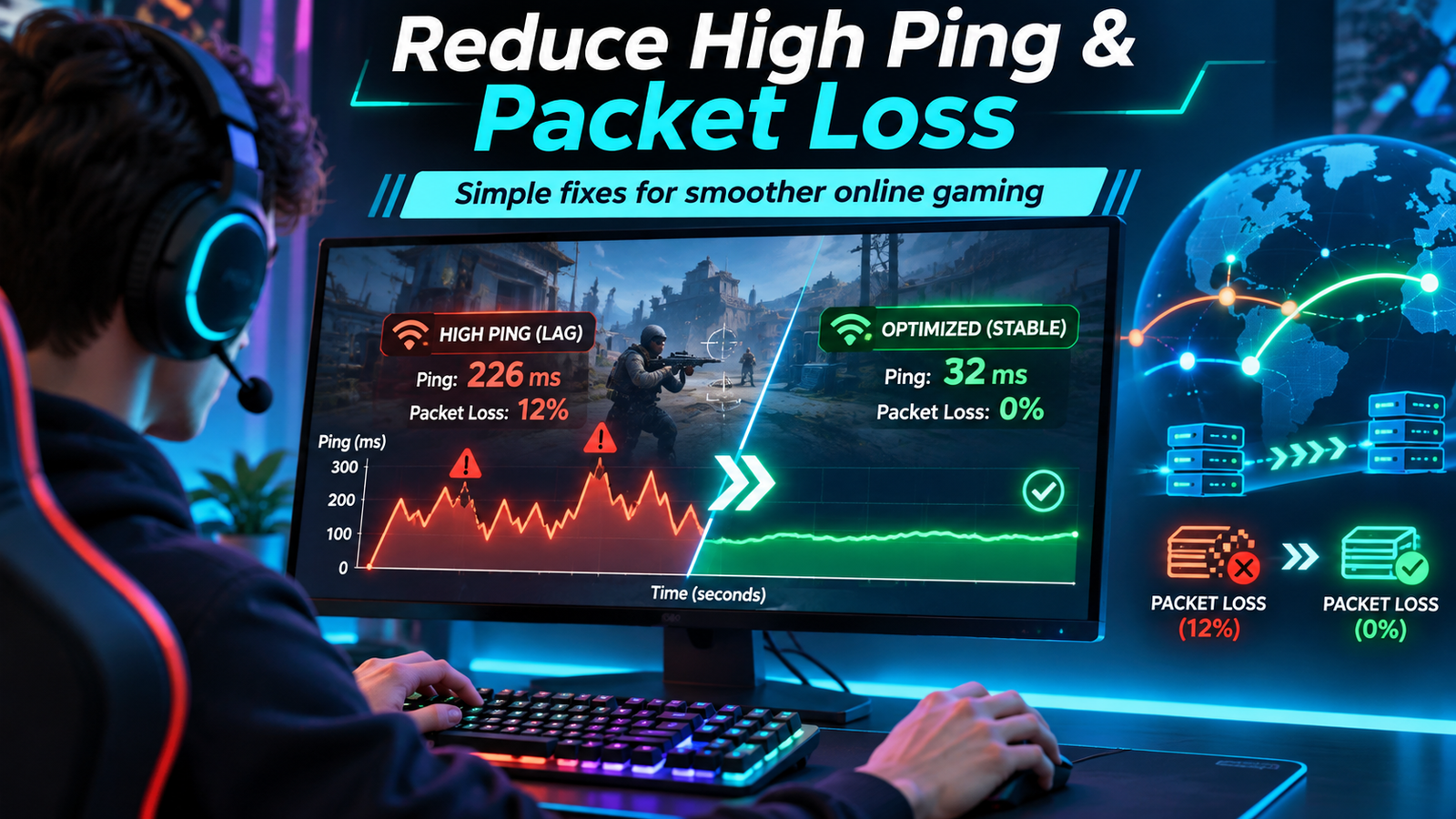
High ping and packet loss can ruin online gaming, but a few practical fixes may help improve connection stability and reduce frustrating lag.
The good news? You don’t always need faster internet or an expensive new router. A few simple checks can help identify the problem and sometimes improve your connection.
Here are seven practical steps worth trying.
1. Check Your Ping and Packet Loss
Ping measures how long it takes information to travel between your device and a server, usually in milliseconds (ms).
Lower ping generally means a faster response, while packet loss means some information fails to reach its destination.
Start by checking your game’s built-in network statistics. Take note of your ping during normal gameplay and during busy periods.
Also pay attention to jitter, which means changes in latency over time. An unstable connection may feel worse than a consistently moderate ping.
2. Use a Wired Connection
If possible, connect your gaming PC or console directly to your router with an Ethernet cable.
Wi-Fi is convenient, but interference, weak signals, and crowded wireless networks can introduce instability.
Ethernet won’t fix every problem, especially one caused by a distant game server, but it removes several potential sources of local wireless trouble.
3. Stop Unnecessary Downloads
Large downloads, cloud backups, streaming, and automatic updates can compete for bandwidth.
Before starting a competitive match:
- Pause large downloads and uploads.
- Close applications that continuously sync files.
- Check whether other devices are heavily using the connection.
- Enable gaming or traffic-priority settings on your router if available.
These simple changes may reduce congestion at home.
4. Choose a Nearby Game Server
Distance matters.
If a game allows you to select a server region, try one geographically close to your location.
A distant server can increase latency even when your internet connection is working normally.
If you’re playing with friends in another country, compare several available server regions to find a reasonable balance.
5. Restart and Check Your Network Equipment
Routers and modems sometimes benefit from a restart, especially when temporary connection issues occur.
Make sure the router has adequate ventilation, check for relevant firmware updates, and inspect any loose or damaged cables.
If the problem persists across multiple devices and games, contact your internet provider with details about when the issue occurs.
6. Consider a Gaming Connection Optimizer
Sometimes the issue isn’t your computer or home Wi-Fi. The path your internet traffic takes to a game server may be inefficient or unstable.
A gaming connection optimizer, such as GearUP Booster, is designed to optimize routing for supported games.
GearUP offers a Windows application and a trial option, allowing users to test whether its service helps their particular connection.
Important: Results depend on your location, ISP, selected game, and server. No connection optimizer can guarantee lower ping for everyone.
Try GearUP Booster
If you’ve already tried the free fixes above and still experience unstable online gaming, you can explore GearUP’s trial before paying for a subscription.
Visit GearUP Booster and Explore the Trial
Affiliate disclosure: This article contains an affiliate link. EcommSprint may earn a commission if you make a qualifying purchase through it, at no additional cost to you.
7. Test Before You Spend Money
Don’t purchase a subscription simply because a tool promises better performance.
Instead, compare your connection before and during a legitimate trial, ideally using the same game, server, and similar playing conditions.
Check average ping, packet loss, connection stability, and how the game actually feels.
If there’s no meaningful improvement, you may not need the service.
Final Thoughts
Reducing game lag starts with understanding the cause.
Begin with the free solutions: Ethernet, fewer background downloads, a suitable server region, and basic router maintenance.
If your connection still struggles, a routing optimizer such as GearUP Booster may be worth testing.
The goal isn’t to buy more software. It’s to find what genuinely improves your gaming experience.
Helpful resources: